
Projector Screen Size and Placement: A Planning Guide for Meeting Rooms and Ballrooms
· By admin · Projector Screens, Projector Rentals
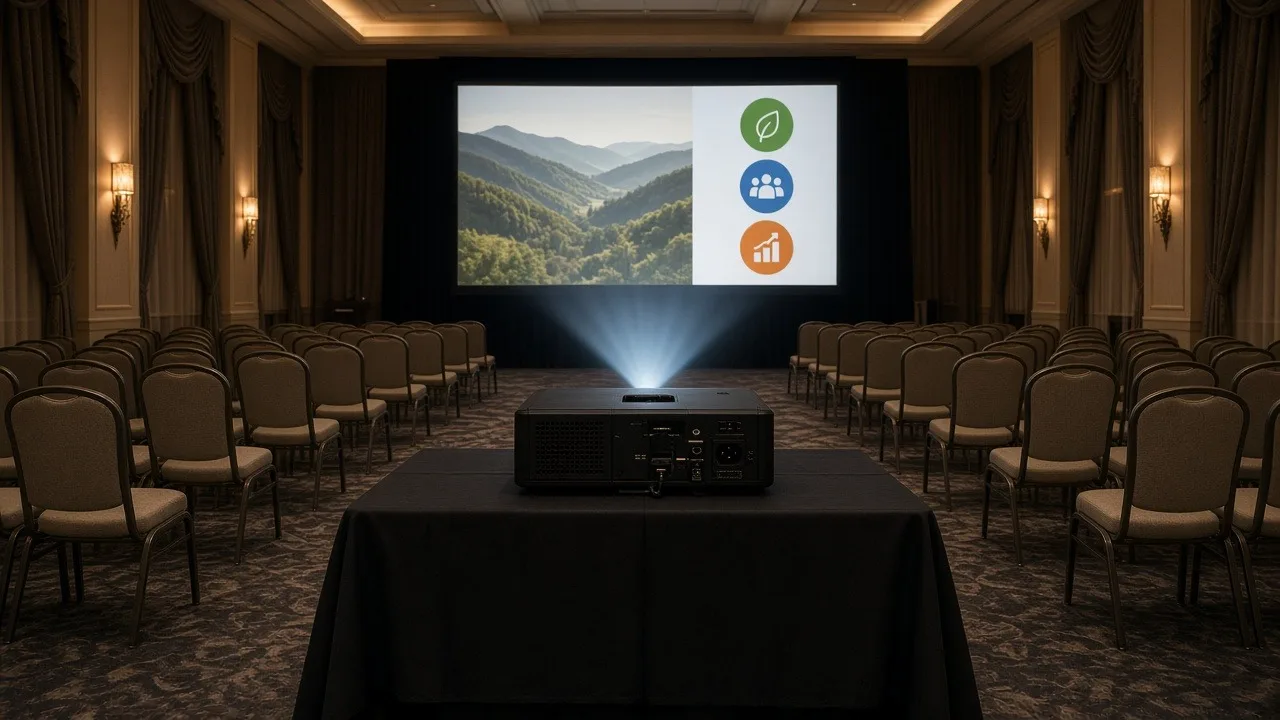
The projector gets most of the attention when people plan a presentation. But the screen decides what the audience actually sees. A screen that's too small leaves the back rows squinting. One that's placed too low gets blocked by heads. One facing a bank of windows looks washed out no matter how bright the projector is.
This guide walks through how to size and place a projector screen for meeting rooms, training rooms and ballrooms.
Start with the farthest seat
The most important measurement is the distance from the screen to the farthest seat. Everyone in the room needs to read your slides, so plan for the person in the back row.
A common rule of thumb used in AV planning is that the screen's image height should be about one-sixth to one-eighth of the distance to the farthest viewer for general presentations. If your content has small text, like spreadsheets or detailed charts, size up. If it's mostly video and large graphics, you have a bit more flexibility.
Measure the room, or ask the venue for a floor plan with dimensions, before you choose a screen.
Check the ceiling height
The screen has to fit the room vertically, too. The bottom of the image should be high enough that people in the back can see over the heads in front of them. In many rooms, that means the bottom of the image sits several feet above the floor.
Low ceilings limit how tall the screen can be. If the room is long and the ceiling is low, a single screen may not be enough. Consider two screens on either side of the stage, or extra displays partway back.
Choose the right aspect ratio
Aspect ratio is the shape of the image.
- 16:9 is the standard widescreen shape for most laptops, slide software and video today.
- 16:10 is common on some laptops and projectors.
- 4:3 is an older, squarer shape found in some legacy content.
Match the screen to your content. If your slides are 16:9, a 16:9 screen avoids black bars and uses the full surface. Check your presentation settings before the event.
Pick a screen type
Common rental screen types include:
- Tripod screens: Quick to set up and good for small meeting rooms and training rooms.
- Fast-fold screens: A frame with a stretched surface, built for larger rooms and ballrooms. They look more polished and can be dressed with drapes.
- Front or rear projection: Most setups use front projection. Rear projection puts the projector behind the screen, which hides the projector and keeps presenters out of the light, but it needs space behind the screen.
Browse our projector screens to see sizes and styles.
Plan the projector position
The projector's throw distance, the space between the projector and the screen, decides how big the image will be. Each projector and lens has a throw ratio that sets this relationship.
- Standard throw projectors sit some distance back, often on a table or cart in the middle of the room.
- Short-throw projectors sit close to the screen, which helps in small rooms and keeps presenters out of the beam.
Make sure the projector won't sit in a walkway or block the view of people seated behind it. Our projector calculator can help you estimate placement.
Match brightness to the room
A bigger screen spreads the projector's light over a larger area, so the image gets dimmer as the screen grows. Room lighting matters too. Windows, skylights and bright overhead lights wash out a projected image.
Our guide on how many lumens you need explains how to match brightness to screen size and room light. When in doubt, choose a brighter projector, and dim lights near the screen if you can.
Avoid common placement mistakes
- Facing windows: Place the screen on a wall without direct sunlight if possible.
- Behind the presenter: Leave room for the presenter to stand to the side, not in front of the image.
- Blocked by staging or décor: Check sight lines with the actual room layout.
- Too close to the front row: Viewers in the front row shouldn't have to tilt their heads back.
Do a walk-through
If you can, visit the room before the event. Sit in the back row, the far corners and the front row, and imagine the screen in place. Look for columns, chandeliers, low beams and windows.
Delivery and setup
RentOurProjectors.com rentals, including screens and projector packages, ship nationwide with prepaid return labels. If you'd like a technician to set up the screen and projector on site, delivery and setup is available as an extra-cost add-on in many areas.
Get a screen recommendation
Send us your room size, audience count and what you'll be showing. Request a quote, and we'll recommend a screen and projector that fit the room.