Breakout Rooms: How to Plan Projectors for a Multi-Room Event
· By admin · Large Venue & Training Projectors, Projector Rentals
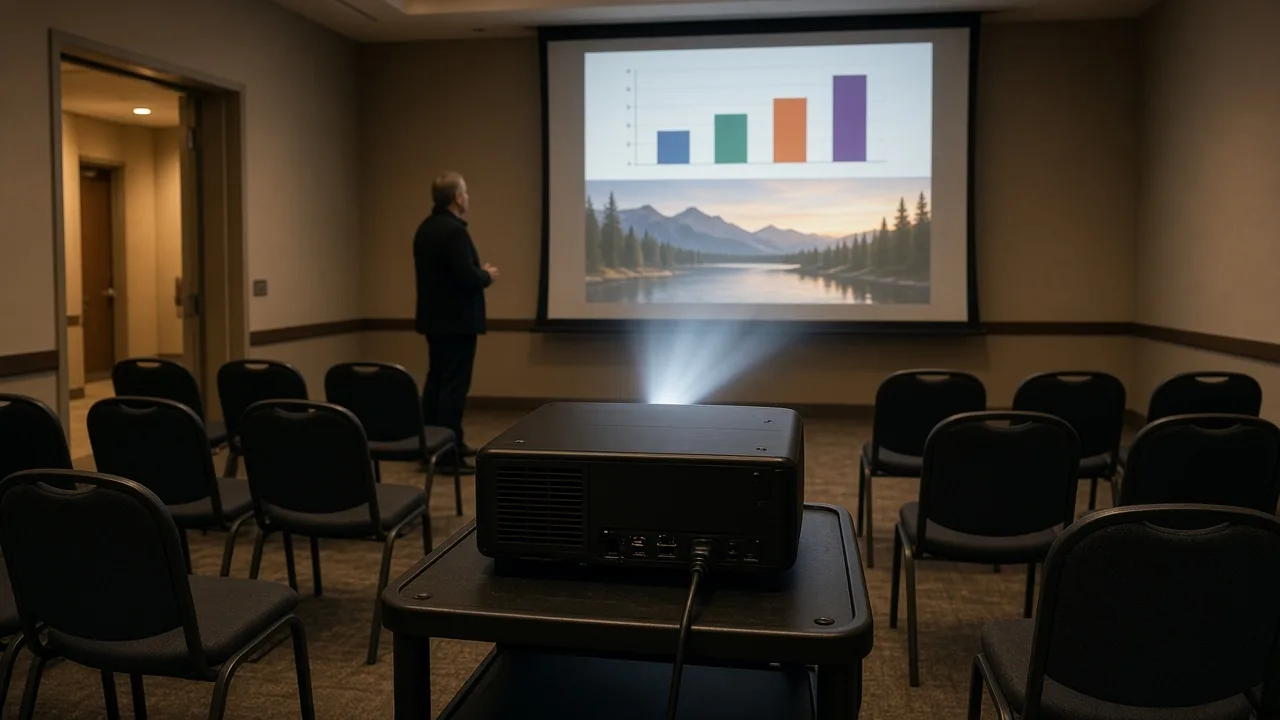
A general session in one big room is one AV plan. A conference with six, ten or twenty breakout rooms is a different kind of job. Each room needs a projector, a screen, cables and a way for presenters to connect, and every room needs to work at the same time.
The secret to multi-room events is consistency. Here's how to plan projectors for breakout rooms without chaos.
Build a room inventory
Start with a list of every room that needs a projector. For each room, record:
- Room name or number
- Room size and seating layout
- Expected audience
- Session times
- What presenters will show: slides, video or live demos
- Whether the room has windows
Ask the venue for a floor plan with room dimensions. Also ask what AV, if any, is built into each room. Some rooms may have ceiling projectors or screens you can use. Others may have nothing. Your rental plan fills the gaps.
Standardize the kit
The fastest way to simplify a multi-room event is to put the same equipment in every room of a similar size. A standard breakout kit might include:
- A projector bright enough for the room size and light level
- A screen sized for the room
- A video cable with the adapters presenters commonly need
- A power strip and extension cord
- A wireless presentation remote
When every room has the same kit, presenters know what to expect, and your team can fix problems quickly because everyone knows the setup. Our projector packages bundle projectors, screens and accessories for this reason.
If you have a mix of small and large rooms, create two or three kit sizes instead of designing every room separately.
Decide how presenters connect
Presenter connections are where most breakout room problems happen. Choose one approach and communicate it:
- Presenters bring laptops: Provide adapters for common laptop ports. Ask presenters in advance what they'll bring.
- A laptop in every room: Load all presentations in advance, which makes transitions smooth and avoids adapter problems.
- Wireless presentation: Convenient, but test it on the venue network beforehand.
Send presenters the plan, including the screen's aspect ratio, before the event so they can format slides correctly.
Label everything by room
Label each kit, case and cable with its room name. When kits arrive, stage them by room before you set up. At the end of the event, use the same labels to make sure every piece goes back into the right case.
Plan for spares
Something always goes wrong somewhere. Keep a small spare kit in a central location with:
- A spare projector
- Extra cables and adapters
- Spare remote batteries
- A power strip
The spare kit can save a session when a cable fails or a presenter shows up with an unusual laptop.
Assign room checks
Give someone the job of checking each room before the first session and between sessions. A simple checklist works:
- Projector turns on and the image fills the screen
- Presenter cable or laptop connected
- Remote works
- Cables taped down and out of walkways
If the event is large, consider an on-site technician. RentOurProjectors.com offers on-site technicians as an extra-cost add-on in many areas.
Coordinate with the venue
Venues often have rules about outside AV, power and setup times. Ask about:
- Load-in and load-out times
- Where equipment can be staged
- Power availability in each room
- Fees for using outside AV, if any
- Any rules about taping cables
Get answers in writing, and budget for any venue fees separately from your rental.
Plan the return
At the end of the event, pack each room's kit back into its labeled cases. Count every projector, screen, remote and cable against your inventory. RentOurProjectors.com rentals ship nationwide with prepaid return labels, so once everything is packed, the return is simple.
Build a simple schedule for setup and strike
Write down when each room will be set up, when it must be ready, and when it can be packed. Rooms used early in the day need to be set first. Rooms that host evening sessions may be packed last. A shared schedule keeps your team and the venue staff working from the same plan, and it shows you where you'll need extra hands.
Get help planning your breakout rooms
Our multi-room event services help planners equip many rooms at once. Send us your room list, session times and audience sizes. Request a quote, and we'll build a kit plan for every room.